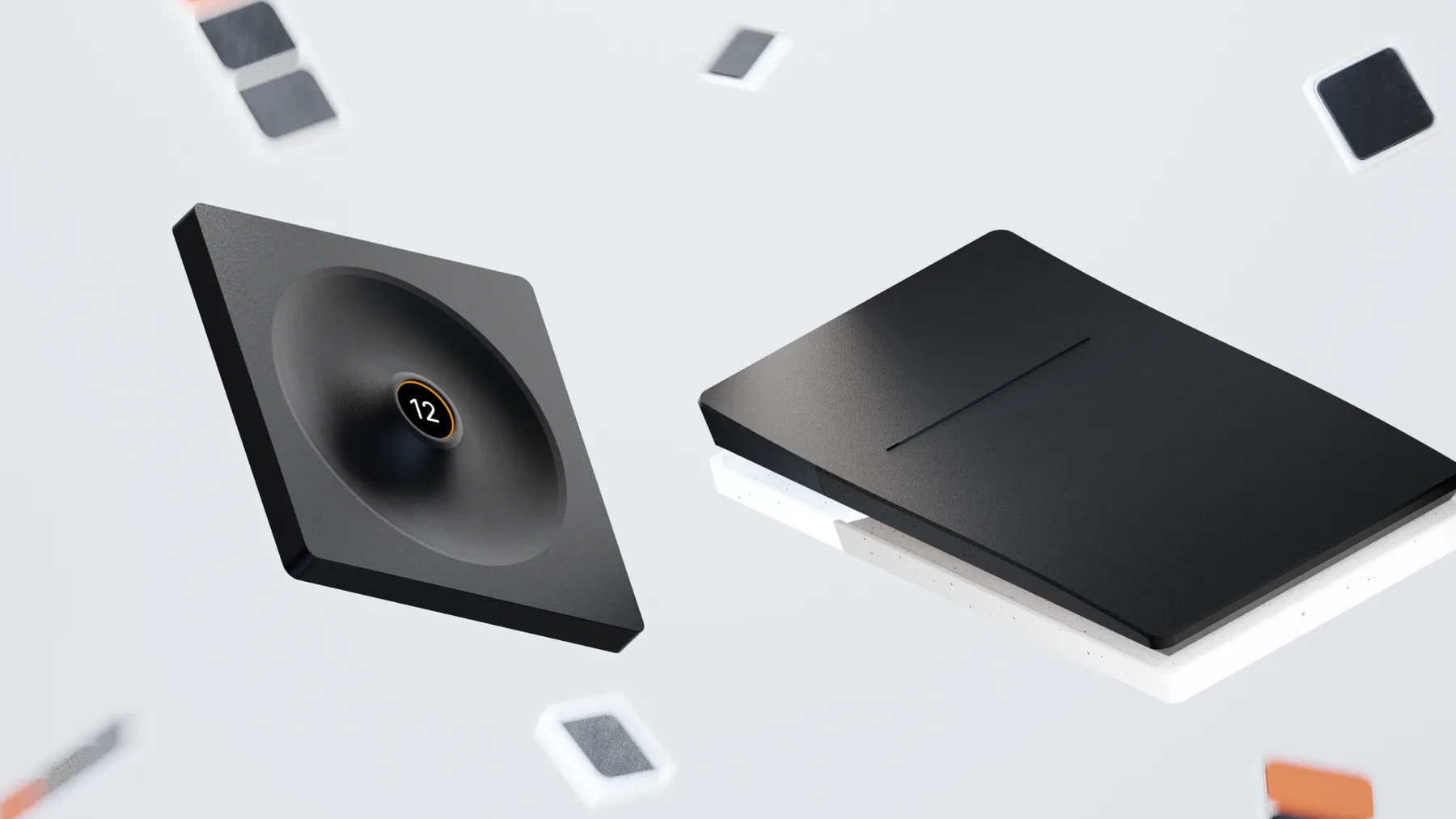
A fourth-semester project that started with an annoyance
Acce came out of the Interface Design 2 course at HfG Schwäbisch Gmünd in summer 2021, in a team of three, supervised by Prof. Carmen Hartmann-Menzel. It began with a conversation about something small: how much of a working day disappears into switching between design tools.
Every tool asks you to learn it again
Designers move between a handful of programs in a single afternoon, and each one carries its own shortcuts, its own modifier keys, its own logic for the same operation. In the phases where ideas need visualising fast, that constant switching produces a steady trickle of small interruptions. None of them is worth complaining about on its own. Together they are the reason a morning feels slower than it was.
We built the layout before we drew it
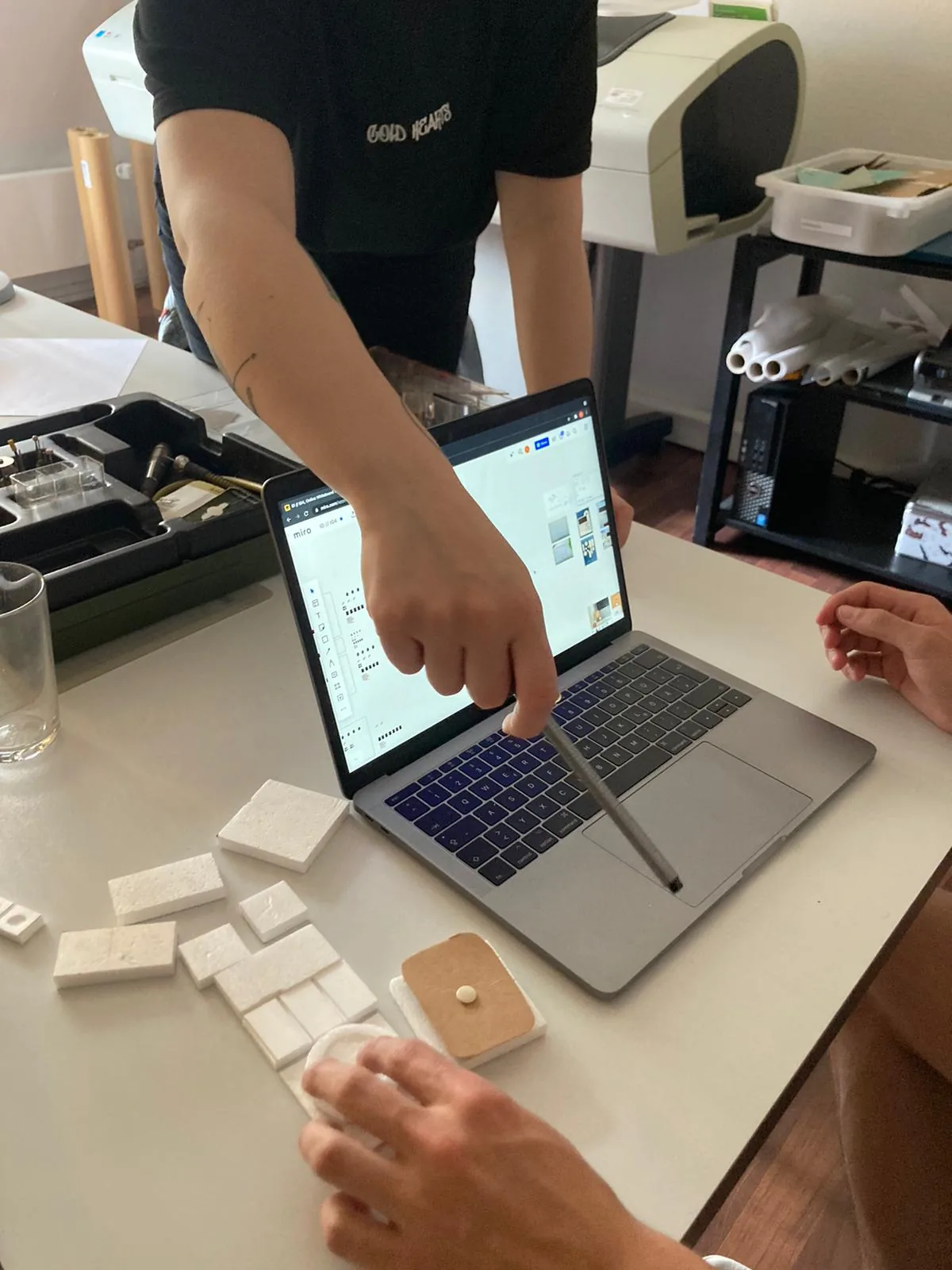
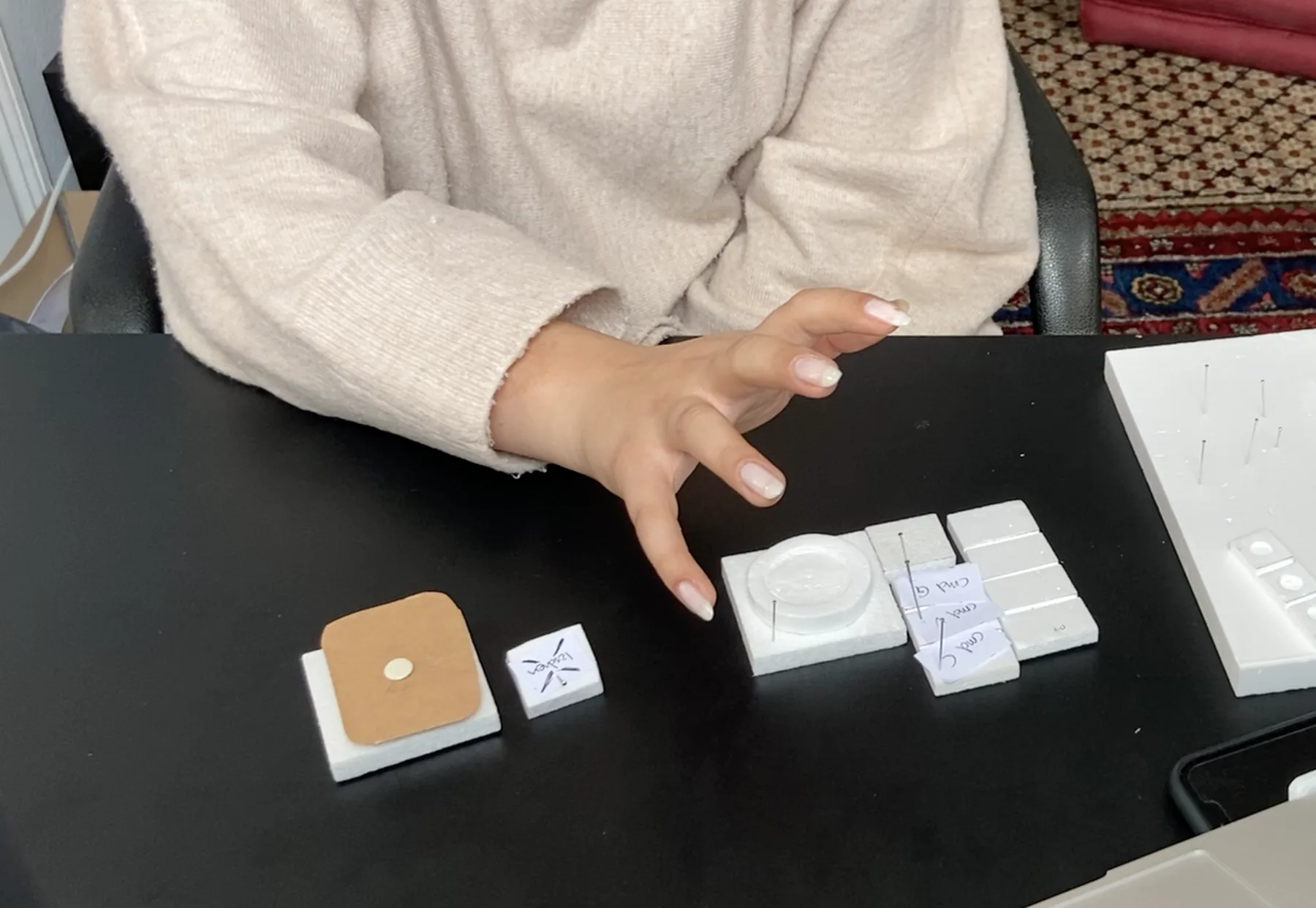
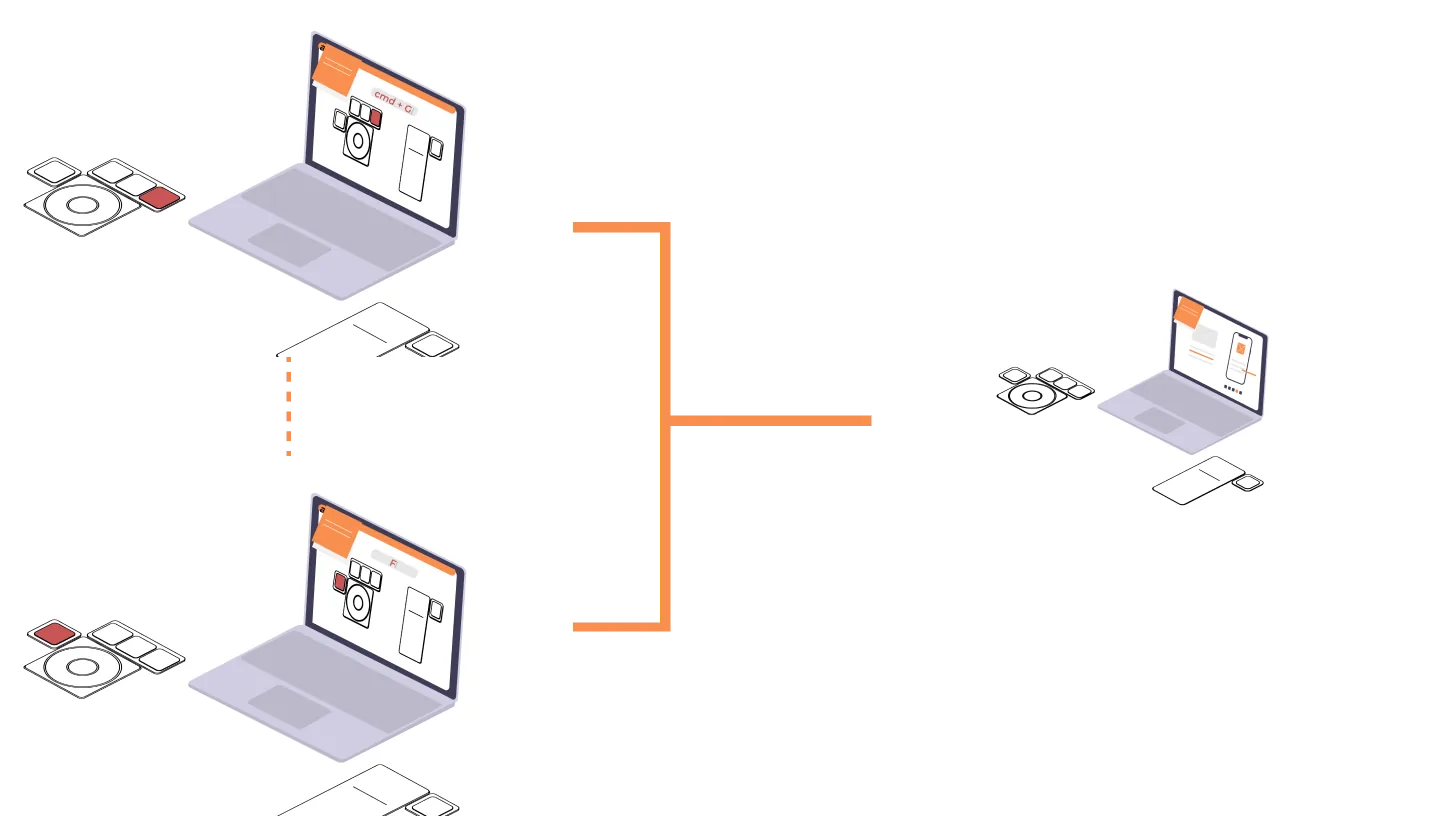
The research question was narrow enough to answer by hand. We cut the elements out of foam, put them on a desk next to a laptop with the real software open, and moved them around while working. What sat under which hand, how often a block got picked up, which arrangement survived an afternoon. The mapping diagram came out of that, and the mapping decided the hardware rather than the other way round.
Assignable, and physically so
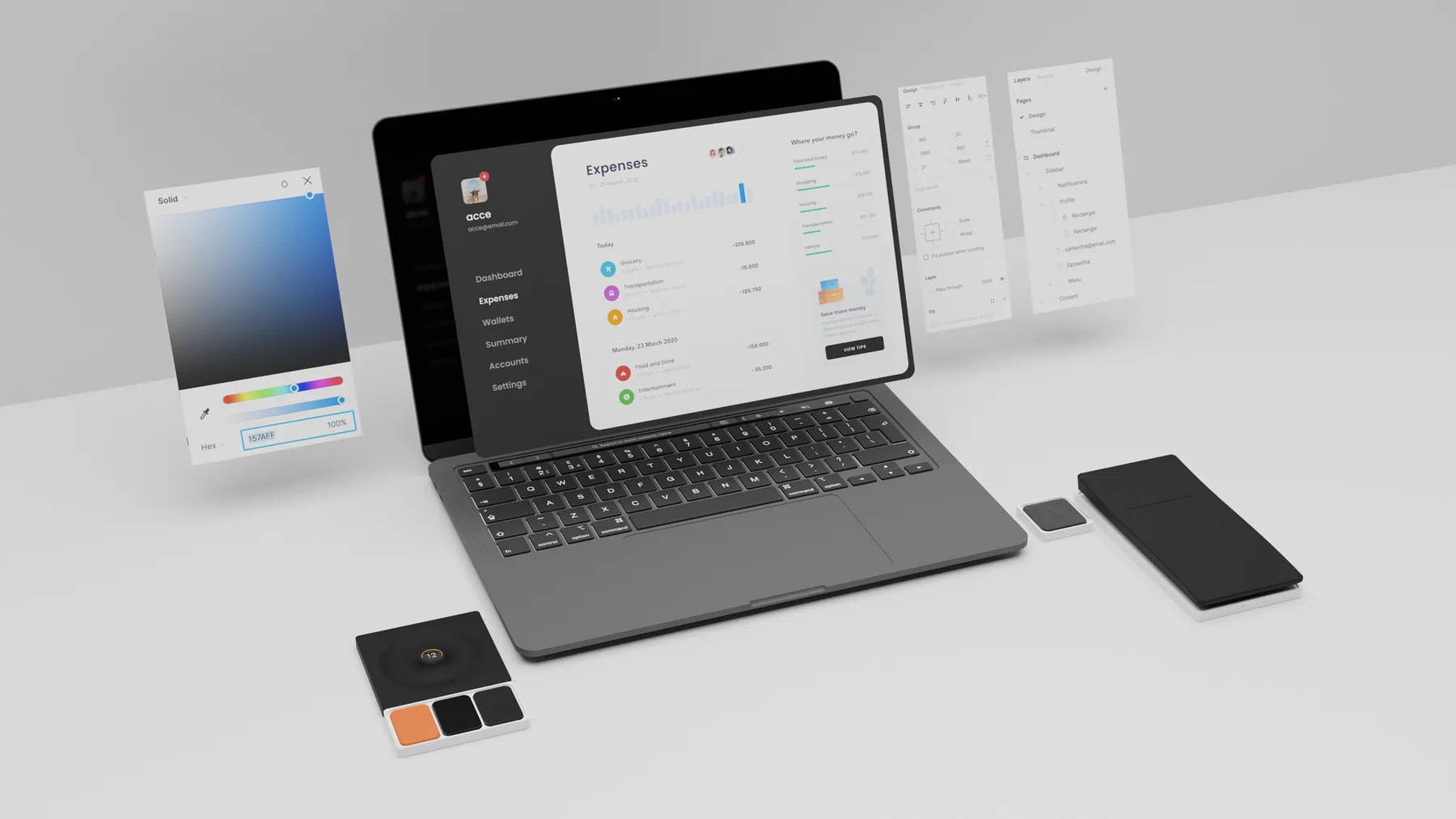
The obvious answer is software: remap the keys and let the operating system handle it. We built the assignability into the hardware instead. Acce comes apart into individual elements held together by magnets, so the board is rearranged for whatever is open rather than reconfigured in a settings panel. The layout of the tool you use most becomes something you build once with your hands.
Two controls the keyboard could not offer
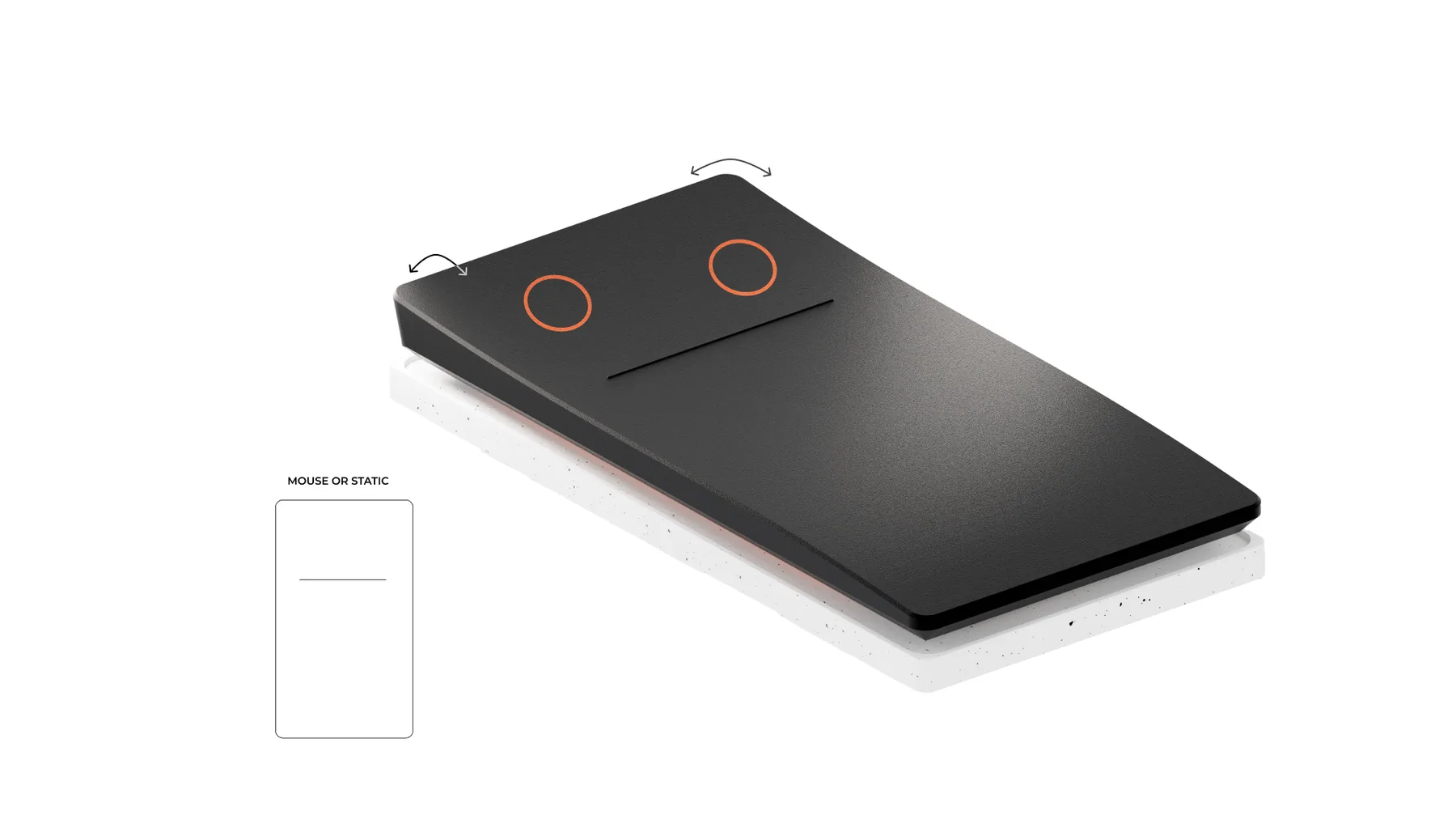
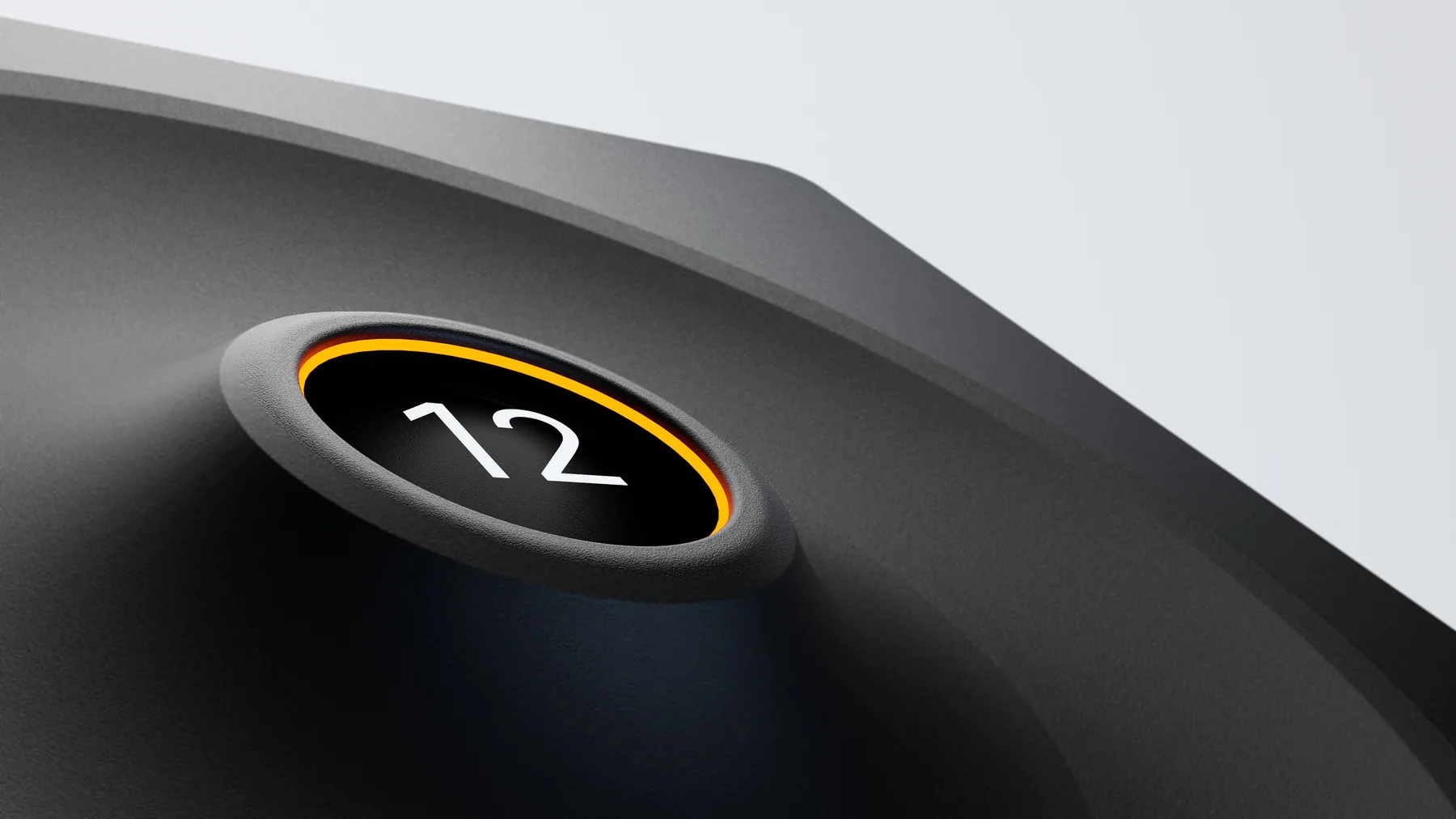
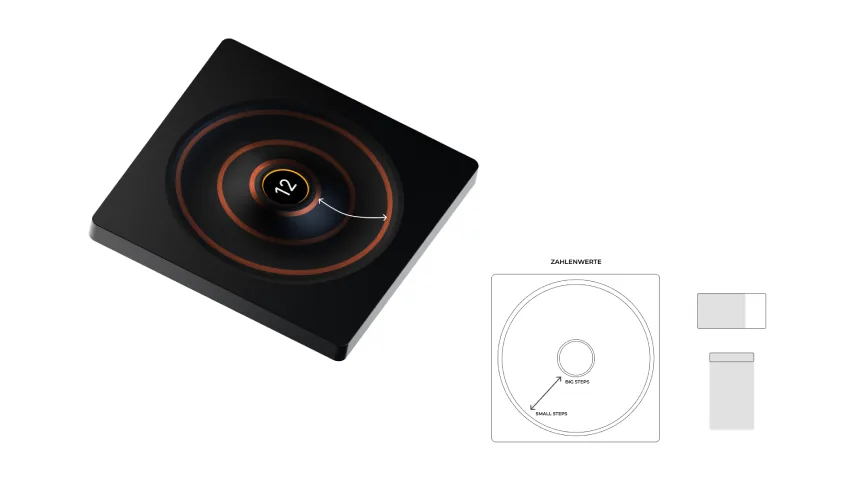
A key is a binary thing, and a lot of what design work actually consists of is not. So two elements do what a key cannot. The Hyperbutton sits in the palm and tilts forwards and back to zoom, rotates to step through undo and redo, and carries a touchpad at the front for gradients and anything else continuous. The click wheel handles numbers: line weight, opacity, type size, all by turning, with the current value lit up inside the dial so the hand can stay where it is and the eyes can stay on the canvas.
Renders, foam, a film, and a page that outlived the course
A concept developed to detailed product renders, a set of foam models we pushed around a desk until the layout stopped changing, and a film. The HfG still shows it as a course example, which is the closest thing it has to a life after the semester.
Four years later, HfG Schwäbisch Gmünd still lists Acce as an example from the course. The project page there has the full build, the videos and the team.
See it at HfG Gmünd ↗What it is and what it is not
Acce is a design concept. Nothing was engineered, no electronics were built, and the modularity was tested with foam and hands rather than with magnets that had to hold. It stands here for the craft rather than for the method, and four years later I would want to know what happens after the first week of owning one, because a keyboard you rearrange constantly might be a keyboard you stop rearranging.